There is a strange habit in digital banking: accessibility is often treated as a final layer. A few contrast fixes. A larger font option. A quick audit before release. A line in the compliance checklist. But for customers, accessibility is not a checklist. There is a difference between banking independently and needing someone else to help with basic financial tasks.
If a person cannot log in safely, understand a transfer screen, confirm a payment, read a message, scan a document, or ask for help without leaving the app, then the problem is not cosmetic. The experience simply does not work well enough.
And in banking, “not working well enough” has consequences. It affects trust, privacy, confidence, and financial independence.
The problem is not the font size
When people talk about mobile banking accessibility, the conversation often starts with visual design. That makes sense. Poor contrast, small text, unclear buttons, and overloaded screens are still common barriers.
But accessibility goes much deeper.
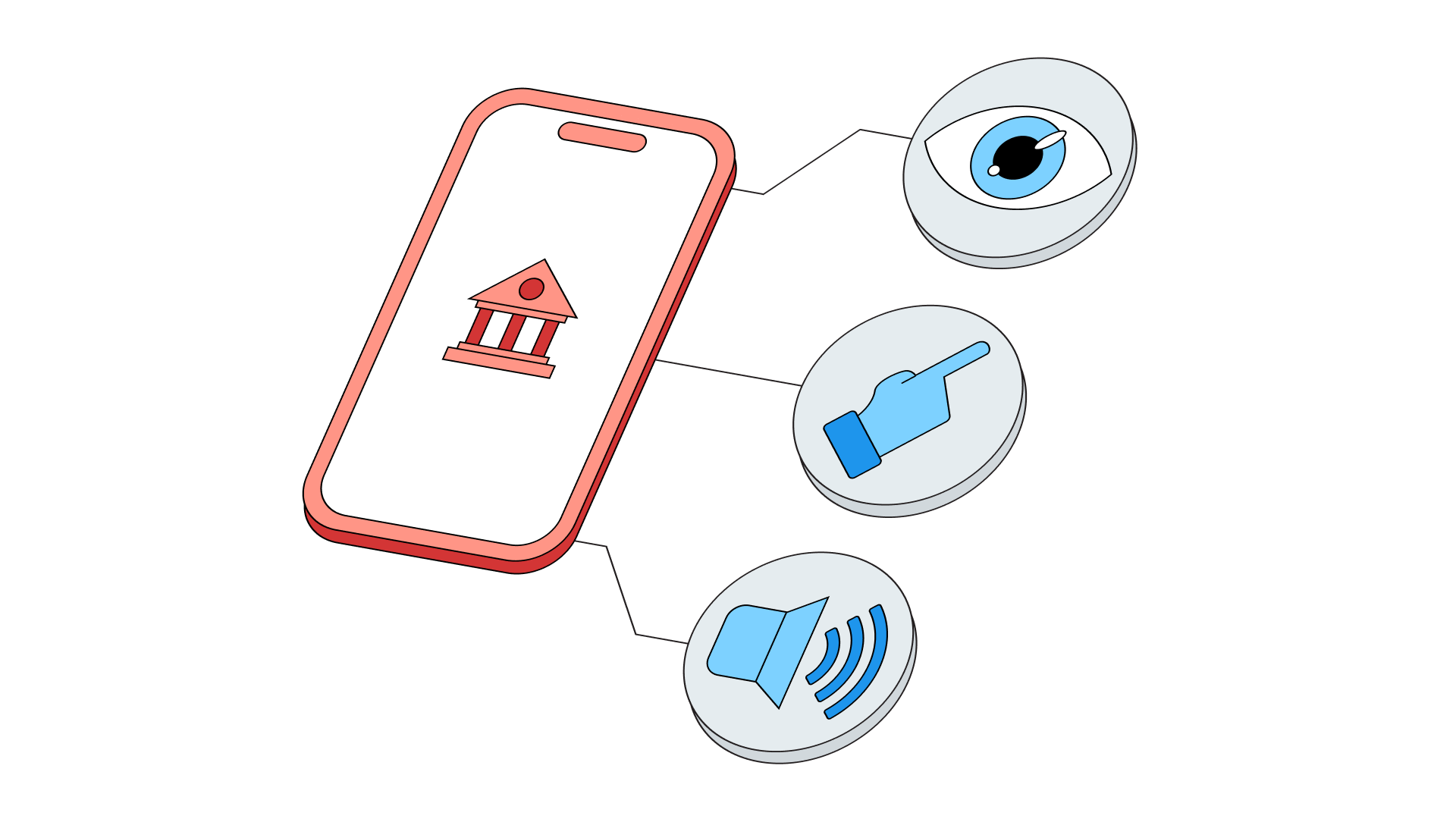
A mobile banking app must work for people with different visual, hearing, motor, and cognitive needs. It must support screen readers, voice interaction, keyboard and switch control, clear language, understandable error messages, accessible authentication, predictable navigation and help that is easy to find.
The European Accessibility Act includes banking services among the products and services covered by accessibility requirements. The direction is clear: accessibility is no longer a “nice to have” for digital banking. It is becoming part of how financial services are expected to work.
The technical foundation is also well established. Web Content Accessibility Guidelines (WCAG 2.2) describes accessibility across devices, including mobile, and covers people with blindness, low vision, hearing loss, limited movement, cognitive limitations, and other needs.
Still, standards alone do not create a good experience. A banking app can formally pass many checks and still feel difficult, tiring, or stressful in real life.
That is why accessibility should be treated as a product design challenge, not only as a compliance task.
Mobile-first does not mean accessible-first

Banks have spent years improving mobile channels. The result is usually faster onboarding, cleaner dashboards, instant transfers, card management, investment tools, and more self-service.
But a mobile-first bank is not automatically an accessible bank.
A screen can look modern and still be confusing for a screen reader. A login flow can be secure and still be hard to complete for someone with a visual impairment. A payment confirmation can be visually obvious and still unclear when read aloud. A chatbot can be available 24/7 and still fall if it uses complex language or cannot escalate to a human.
Recent research into mobile app accessibility shows that developers often recognize the importance of accessibility, but accessibility testing still tends to happen late in the development process. Many teams focus first on text-related features and struggle with platform differences, organizational limitations, and consistent testing.
This sounds familiar because accessibility usually fails in the gaps between teams: design, development, content, security, compliance, and customer support.
In banking, those gaps are especially dangerous because users are not just browsing. They are moving money, sharing documents, confirming identity, and making decisions that matter. And their needs are changing as well. Banking and financial services are a living system that constantly evolves, responding to customer expectations and offering new solutions, products, and services.
The hardest step is often the “simple” one
Ask a product team where accessibility matters most, and they may point to complex features: loans, investments, onboarding, insurance, or advisory journeys.
But very often, the first serious barrier appears earlier.
Logging in. Passing authentication. Reading a one-time code. Recovering access. Understanding why something failed. Confirming whether the user is still safe to proceed.
Studies from 2026 show that when people who use screen readers try to log in using two-factor or passwordless authentication, the process can be difficult and frustrating for blind and visually impaired users.
A 2026 study on screen-reader-assisted two-factor and passwordless authentication found that real authentication flows can create accessibility and security weaknesses for blind and visually impaired users, especially when screen reader instructions are imprecise or difficult to act on. Research into voice-driven mobile money for visually impaired users notes that when non-visual transaction flows are not accessible, users may end up relying on third-party assistance even for sensitive steps such as PIN entry. The problem is not only inconvenience. If a user cannot complete secure authentication independently, they may be pushed toward unsafe workarounds, such as asking someone else to read or enter sensitive information.
This is a serious design problem.
Accessible authentication should be understandable, predictable, and secure without forcing the user to solve a puzzle. Instructions should be clear. Time limits should be realistic. Error states should explain what happened. Confirmation screens should communicate consequences, not just display buttons.
In banking, the best accessibility work often starts here: with the steps everyone assumes are already obvious.
Good accessibility reduces cognitive effort
Accessible design it often described as “adding support” for people with disabilities. In practice, the best accessible design removes unnecessary effort for everyone.
Clearer labels help screen reader users, but they also help customers in a hurry. Better contrast helps people with low vision, but also anyone using the app in sunlight. Larger touch targets support users with motor limitations, but also people using one hand on a moving train. Plain language helps people with cognitive disabilities, but also customers trying to understand a financial product after a long day.
This is where accessibility and good UX become impossible to separate.
A banking app should not force users to remember where things are, decode internal banking language, or guess what will happen after they tap a button. It should guide them through the process.
This is also why accessibility belongs early in the design process. FINANTEQ’s UX/UI Design Studio focuses on understanding user needs, identifying pain points, improving usability, and designing mobile banking experiences around real customer behavior. That approach fits accessibility well because accessible banking cannot be created only by checking components at the end. It has to be designed into the journey.
The app should know when help is needed

Self-service is one of the biggest promises of mobile banking. But self-service should not mean “you are on your own”.
There are moments when customers need human help: a blocked onboarding process, a confusing document, a failed transfer, a high-value transaction, a product explanation, or a situation where the user simply does not feel confident enough to continue.
For accessibility, the key question is not only whether help exists. It is whether help is available in the right moment and format.
This is where an in-app support layer becomes important. Pocket Branch is FINANTEQ’s remote customer service solution for banking: combining video, audio, and text communication inside mobile and online banking. For accessibility, that matters because different customers need different channels.
Some users may prefer voice guidance. Others may need text chat. Some may benefit from a video conversation or need an advisor to explain the process step by step, share a document, or guide them through the interface without forcing to leave the banking environment.
The important part is continuity. If a customer gets stuck, the app should not make them switch channels, repeat the whole story, or wait for help outside the digital journey. Support should feel like part of the product, not an emergency exit.
AI can help, unless it becomes another obstacle
AI is entering digital banking quickly, but accessibility is one of the areas where it needs to be handled with particular care.
Used well, AI can make mobile banking easier to understand. It can explain financial terms in simpler language, guide customers through tasks, summarize complex information, and support voice or text-based interaction.
Used badly, AI becomes another layer of confusion.
The useful question is not: “Can we add AI to the banking app?”
The useful question is: “Can AI reduce effort without reducing trust?”
Recent research on LLM-based mobile accessibility tools suggests that conversational interfaces can lower mental effort and reduce task time for blind and visually impaired users compared with traditional accessibility services.
For banking, the opportunity is clear: AI can support accessibility when it is controlled, explainable, secure, and connected to reliable information.
That is the relevant angle for Extentum AI, FINANTEQ’s secure GenAI platform for enterprises. It is designed to work in auditable environments, integrate with corporate data resources, and support embedded AI solutions. In accessibility terms, this creates space for practical use cases: AI assistants that explain processes, voice or text guidance inside the app, simplified content, and escalation to a human advisor when the situation becomes too complex.
The goal is not to replace accessible design. The goal is to make the app easier to use when the standard interface is not enough.
Documents are part of accessibility too

Mobile banking is not only made of screens. It is also made of documents.
Customers scan IDs, invoices, contracts, account numbers, cards, confirmations, and forms. For many users, manual data entry is simply annoying. For others, it is a real accessibility barrier.
Customer with low vision may struggle to copy information from a document. A person with motor limitations may find long manual entry difficult. A user with cognitive challenges may make errors when transferring data between paper and app screens.
This is why document processing should be part of the accessibility conversation.
FINANTEQ’s OCR technology automates document processing in mobile and web banking. It can recognize and complete information from scanned documents such as invoices, ID cards, credit cards, and contracts. It also supports offline scanning, data validation, and integration into existing mobile banking apps.
From an accessibility perspective, OCR is not just a speed feature. It reduces manual effort, lowers the risk of errors, and helps customers complete document-heavy tasks with more confidence.
Again, accessibility and convenience come hand to hand.
Audits should look for broken journeys, not only broken screens
Accessibility audits are often associated with technical checks: contrast, labels, alt texts, touch targets, keyboard access, and combability with assistive technologies.
Those checks matter. But in mobile banking, the biggest question is whether the full journey works.
Can the user log in?
Can they understand the dashboard?
Can they complete a transfer?
Can they recover from an error?
Can they confirm an action safely?
Can they get help before dropping out?
FINANTEQ’s Quality Audit approach is relevant here because it evaluates usability, functionality, process flows, accessibility standards, regulatory requirements, and customer pain points. This is the right mindset for accessible banking: not only “does this screen comply?” but “can people actually complete the task?”
Accessibility should be testes across real banking scenarios, including onboarding, authentication, payments, card management, document scanning, customer support and error recovery.
A single inaccessible step can make the whole journey fail.
Accessibility should survive the next release
One of the most common mistakes is treating accessibility as a one-time project.
A bank redesigns the app, fixes known barriers, updates contrast and moves on. Then, a few months later, the team changes authentication, adds a new AI assistant, or introduces a new product journey.
Suddenly, new barriers appear.
Accessibility has to become part of the delivery process: research, design, content, development, QA, audits, release governance, and continuous improvement. Otherwise, every new feature can quietly undo previous progress.
This is especially important now, because digital banking is becoming more adaptive. AI, voice interfaces, remote advisory, biometric authentication, and personalization are all expanding what banking apps can do. But every new capability also introduces new accessibility questions.
Can it be used without sight?
Can it be understood without financial expertise?
Can it be controlled without precise gestures?
Can it be completed without unnecessary time pressure?
Can the user get human support when automation is not enough?
These questions should not appear at the end of development. They should shape the product from the beginning.
Accessible banking is independent banking
Accessibility in mobile banking is not about building a special version of the app for a small group of users. It is about designing banking that respects the reality of different customers.
Some people use screen readers. Some need larger text. Some rely on voice. Some prefer chat. Some need simpler explanations. Other, need more time or help from a human being at the exact moment a process becomes unclear.
A good banking app should support all of that without making the users feel like an exception.
The future of accessible mobile banking will not be built by one feature alone. It will come from a combination of better UX, stronger accessibility audits, secure AI guidance, accessible document processing, and human support embedded directly inside the banking journey.
That is where digital banking becomes more than mobile-first.
It becomes usable-first.
And that is the real goal: an app that does not ask every customer to adapt to the product, but a product that finally adapts to the customer.
FAQ
What is accessibility in mobile banking?
Accessibility in mobile banking means designing banking apps so people with different visual, hearing, motor, and cognitive needs can use them independently. It includes readable interfaces, screen reader support, accessible authentication, clear language, voice and text interaction, understandable error messages, and easy access to help.
Why is accessibility important for banking apps?
Banking apps handle sensitive and essential tasks: payments, identity, savings, loans, cards, and personal data. If a customer cannot complete these tasks independently, accessibility becomes a question of privacy, security, trust, and financial inclusion.
Is mobile banking accessibility only about WCAG compliance?
No. WCAG is an important foundation, but accessible banking also depends on real user journeys. A bank should test whether customers can log in, make payments, understand messages, scan documents, recover from errors, and get help when needed.
How can AI improve accessibility in mobile banking?
AI can support accessibility by explaining complex terms, guiding users step by step, simplifying content, enabling voice or text interaction, and helping customers find answers faster. In banking, AI must be secure, auditable, and connected to reliable information.
How can human support improve accessible banking?
Some banking situations require empathy, explanation, or reassurance. In-app video, audio, or text support can help customers continue their journey without switching channels or repeating context. This is especially useful during onboarding, product explanation, document handling, and complex transactions.
Can OCR support accessibility in banking apps?
Yes. OCR can reduce manual data entry by scanning and extracting information from documents such as IDs, invoices, cards, and contracts. This helps users who struggle with typing, reading small text, copying numbers, or completing document-heavy processes.